Sidebar and Icon Rail
Make TypePOT feel like your own.
TypePOT gives you the flexibility to shape your workspace around the way you work. Choose your preferred layout, switch between light and dark themes, and personalize the interface for a more comfortable font browsing experience.
Sidebar Mode
Keep everything within easy reach.
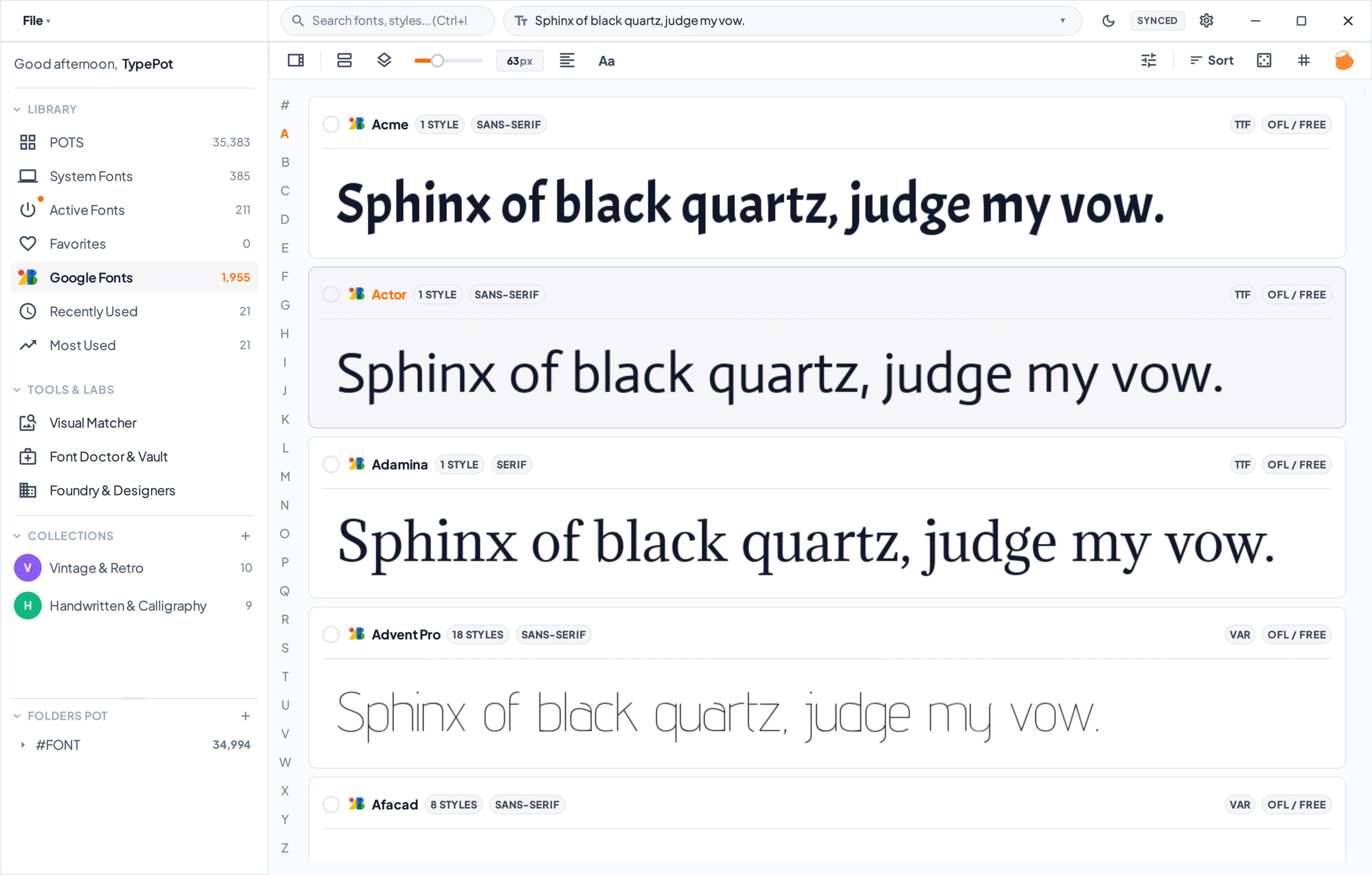
Sidebar Mode gives you a spacious navigation panel with clear labels, making it easy to explore your font collections, access tools, and move between different sections of TypePOT.
It's a great choice if you prefer a more descriptive interface where everything is easy to recognize at a glance.
Icon Rail Mode
More room for what matters.

Icon Rail Mode condenses the navigation into a slim strip of icons, giving more space to your font library. It's ideal for a cleaner, more compact workspace without losing quick access to your main navigation.
Clicking on Collapse sidebar or with shortcut (Ctrl+B) let you switch between Sidebar Mode and Icon Rail Mode whenever you like.